Images that open where they live.
A full-screen viewer for Nuxt. The image expands from its place on the page, swipes through an endless strip, zooms with a pinch, wheel or double tap — and flies back home when you drag it away.
Get started
$npx nuxt module add nuxt-image-viewer



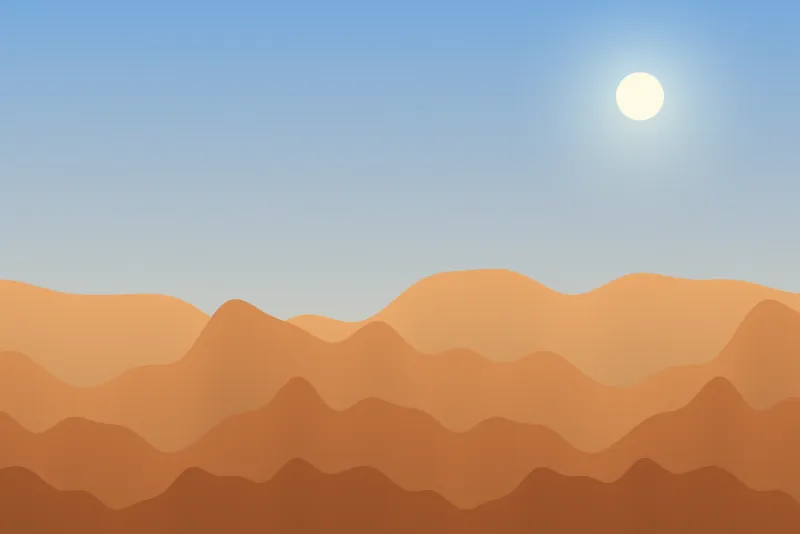
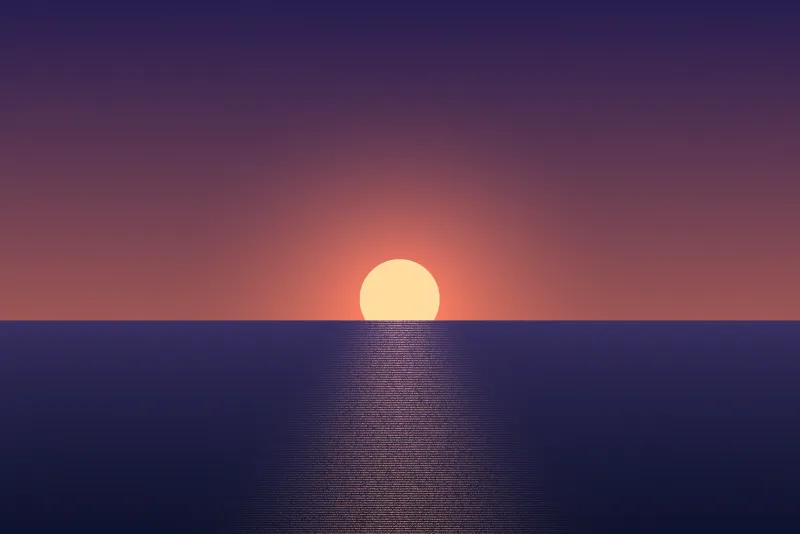

Click any image
Feels like a native photo app
Springs, inertia and finely tuned gesture thresholds make every swipe, pinch and throw feel right. Open the gallery above on your phone.
- Opens from the pageThe image grows out of its thumbnail — crop and rounded corners included — and flies back into it on close.
- Endless stripEvery slide is in the DOM and shows the copy already loaded on the page, so there is no blank frame at any swiping pace.
- Zoom every wayClick, double tap, wheel and pinch — the point under the cursor or fingers stays in place. A zoomed image pans with inertia.
- Drag to closePull the image up or down and the backdrop fades as you go. A short pull springs back, a throw closes.
- No dependenciesPlain Vue, plain CSS and inline SVG. No lightbox library, no VueUse, no UI kit — the viewer loads on the first open.
- Yours to styleOptions in nuxt.config and per call, CSS variables, BEM classes in a cascade layer — or turn the styles off.
- AccessibleA real dialog with keyboard control, a focus trap, focus return and reduced motion support.
- Agent-readyA typed API with JSDoc everywhere, plus llms.txt and every page of these docs as Markdown.
- Dive into the docs now
Three ways to open an image
Mark images in the template, tag any
<img> you already have, or open a list from code.The component
<ZoomImage> renders an image the viewer opens on click, Enter or Space — <NuxtImg> when Nuxt Image is installed.<ZoomImage
src="/photos/dawn.jpg"
:width="2400"
:height="1600"
caption="Dawn"
/>
Make it yours
Pick colours and shapes, switch controls and behaviour, then preview the result and copy the code.
Preset
Click a preview to open it with this theme.
export default defineNuxtConfig({
  modules: ['nuxt-image-viewer'],
})
:root {
--image-viewer-bg: #000000;
--image-viewer-color: #ffffff;
--image-viewer-button-bg: rgb(255 255 255 / 0.12);
--image-viewer-button-bg-hover: rgb(255 255 255 / 0.22);
--image-viewer-button-size: 44px;
--image-viewer-button-radius: 22px;
--image-viewer-caption-bg: rgb(0 0 0 / 0.6);
--image-viewer-focus-color: #ffffff;
}




Ready when your images are
Add the module, mark your images, done. Everything else is optional.